Skip to content
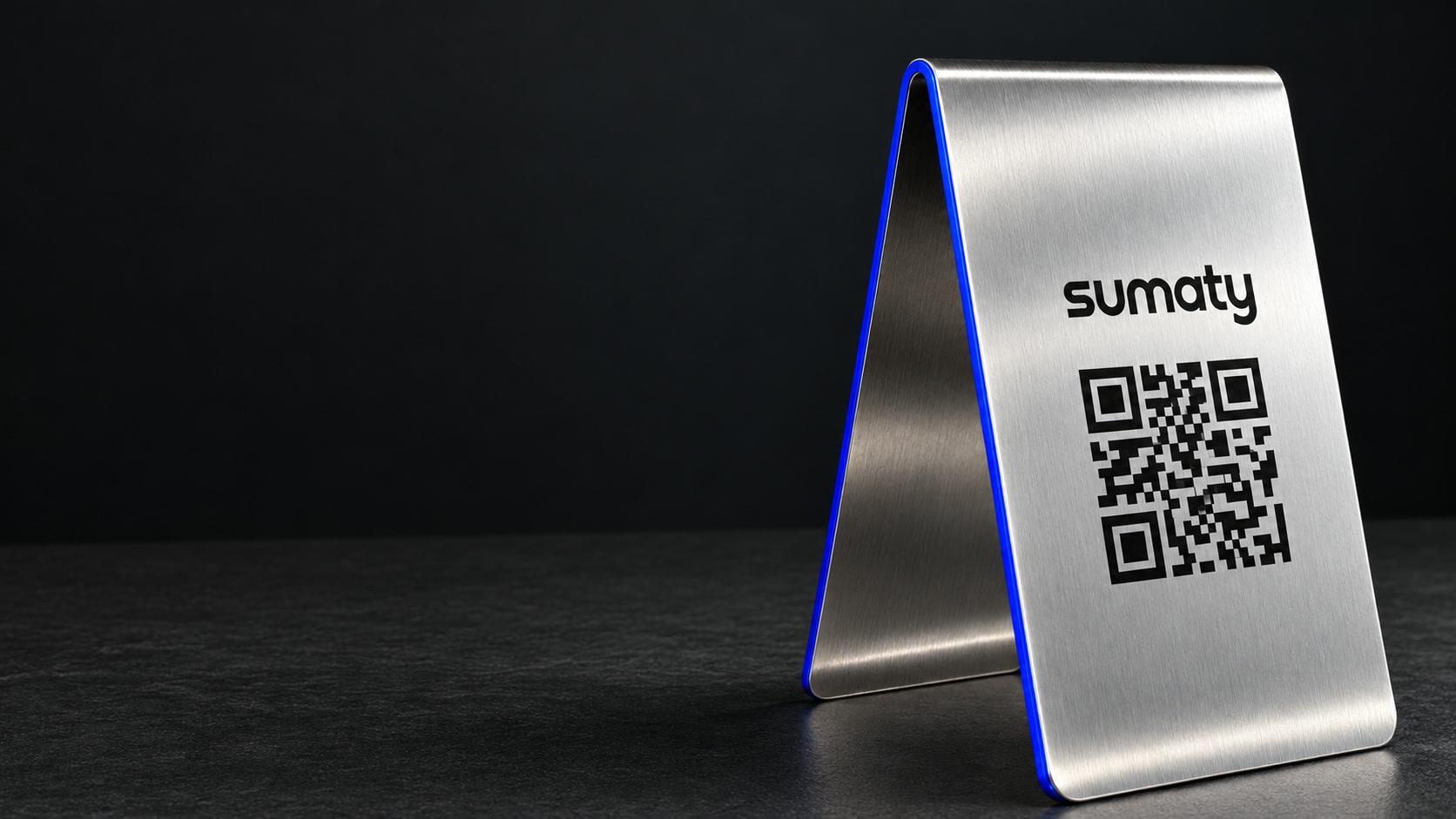
A steel Sumaty table stand with a QR code on a dark table

Win new customers.Keep your regulars.

Request a 14-day trial

The product overview

See how Sumaty works.

From your guest’s first comment to your team’s next step.

Our short overview video is being prepared.

You can explore the workflow below while the video is on its way.

  1. Invite feedback

    Guests scan a branch QR code to leave a Google review or send a private complaint.

  2. Bring it together

    Your team sees reviews, complaints and the next action in one place.

  3. Respond with care

    Core supports your team’s replies. Autonomous AI adds AI drafts and eligible automation.

  4. Keep improving

    Follow up on issues and use branch reports to spot recurring problems.

Explore the workflow

Every reply, one click from published.

Sumaty drafts the reply to any Google review. Private complaints go straight to your branch manager.

AI drafts are included in Autonomous AI.

Choose your business

Google review

“My car was ready on time. The repair was excellent.”
ReplyDrafted with ChatGPT

Thank you! It’s great to hear your car was ready on time and the repair went well.

Published

Private complaint

“I waited 45 minutes past my collection time. No one explained the delay.”

Sent privately to your branch manager

Illustrative examples. Both options are available to every customer.

Your menu QR,now with reviews.

Read your menu
Your own design: image, PDF or link.
Review you on Google
Straight to your Google review page.
Tell you privately
A private message to your branch team.

Print it as a sticker, a table stand or a counter card, in English, Arabic or both.
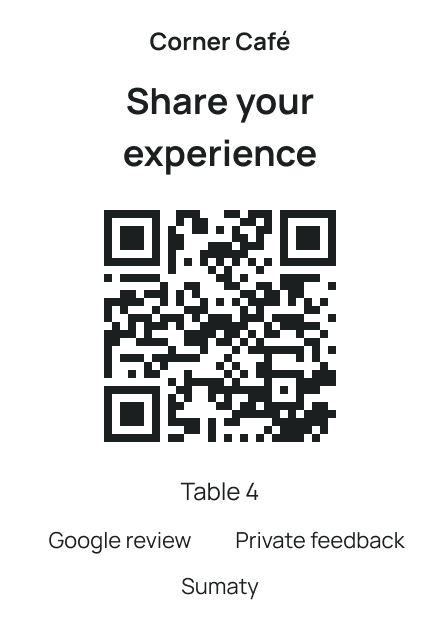
Printed counter card for Corner Café with a QR code, table 4, and Google review or private feedback options
Illustrative example.

Schedule once. Post everywhere.

Prepare one post for Instagram, TikTok and X, pick a time, and Sumaty publishes it.

Lunch offerBurger + fries
  • Instagram3,140 views

    Published 7:30 pm

  • TikTokMost views5,860 views

    Published 7:30 pm

  • X1,020 views

    Published 7:30 pm

Next post Sun, 1:00 pm

Illustrative examples. Results vary.

Before Sumaty

  • Reviews sit unanswered for days.
  • Happy customers leave without writing a review.
  • You find a bad review days later.
  • New customers see that review and go elsewhere.
  • Your posts and their views live in three apps.
  • You rebuild the week from memory.

With Sumaty

  • Every Google review lands in one inbox, ready for a reply.
  • A table QR takes customers straight to your Google review page.
  • You hear about low ratings as they come in.
  • You reply fast, so new customers see a fix, not just a complaint.
  • Post once, then track every post’s views in one place.
  • A weekly report flags what got worse.

Set up in three steps.

We help you with each step.

  1. Connect your Google listing.

    Sign in with the Google account that manages it.

  2. Print your branch QR.

    Download it as a print-ready PDF or PNG.

  3. WhatsApp alerts for low ratings.

    Email too. On by default for managers.

Choose your plan.

One branch, billed monthly in USD.

Core Operations

$80 / month

  • Branch QR codes and links
  • Google reviews and private complaints
  • Manual replies and follow-up
  • Recurring problems and actions
  • Social publishing
  • Branch access, alerts and reports
Choose Core Operations

Autonomous AI

$150 / month

Everything in Core, plus:

  • AI writes replies for you to review
  • Auto-publish eligible replies once the owner enables it
  • Preview automatic replies first
  • Set rules, view activity and pause
Choose Autonomous AI
Multiple branches? Request a quote.

Availability depends on country and billing period.Taxes and final total confirmed before payment.

Commonquestions.

Which plan is right for us?

Choose Core Operations to write and publish replies yourself. Autonomous AI adds AI drafts and eligible automatic publishing after the owner enables it.

Can I try Core for 14 days?

Request a Core trial for one branch. We’ll confirm access and help with setup.

Your 14 days start when you activate.

Does Sumaty hide bad reviews?

No. Every customer chooses: a Google review or a private message to your team.

Both options are always shown.

Can I keep my current menu?

Yes. Add it as an image, a PDF or a link.

Your QR opens it next to the review options.

Will AI post replies without me?

Only if you turn it on. Then it can publish safe replies to 4- and 5-star reviews.

Everything else waits for your approval. You can pause it any time.

Does it work in Arabic and English?

Yes. Your QR page, printed card and dashboard work in both.

Print the card in English, Arabic or both.

What if we have several branches?

Manage every branch in one workspace.

Owners see the whole business. Each team sees only its assigned branches.

Start with one branch.

Try Core Operations or Autonomous AI for 14 days.We’ll contact you to confirm access and help with setup.

Request a 14-day trialRequest a custom quote